



The WAV format (Waveform Audio File Format) is one of the oldest and most common audio formats. IBM and Microsoft created it in 1991 for Windows; Apple's counterpart for the Mac is AIFF. Its main advantages are high quality, since WAV files usually hold uncompressed PCM audio, a close replica of the source, and simplicity: the audio needs no complicated decoding.
That is why sound engineers edit, apply effects and mix in WAV, music distributors, which deliver songs to Spotify, Apple Music and Amazon Music, ask for WAV files, and archives keep master recordings in WAV. When your audio editor, your Windows software or your archive needs WAV, To WAV Converter turns any video and audio, including MP3, WMA, M4A, MP4, and FLAC, into WAV in one drag and drop. Its automatic settings keep the quality of the source, and all tags are transferred.
Lossless quality
PCM codecs reproduce the source audio accurately, without sacrificing audio quality due to the codec itself, at Sample Rates up to 192 kHz, more than enough for real audio. In To WAV Converter, automatic format settings guarantee the best sound quality, and every standard Sample Rate up to 192000 Hz is one click away in Preferences / Format.
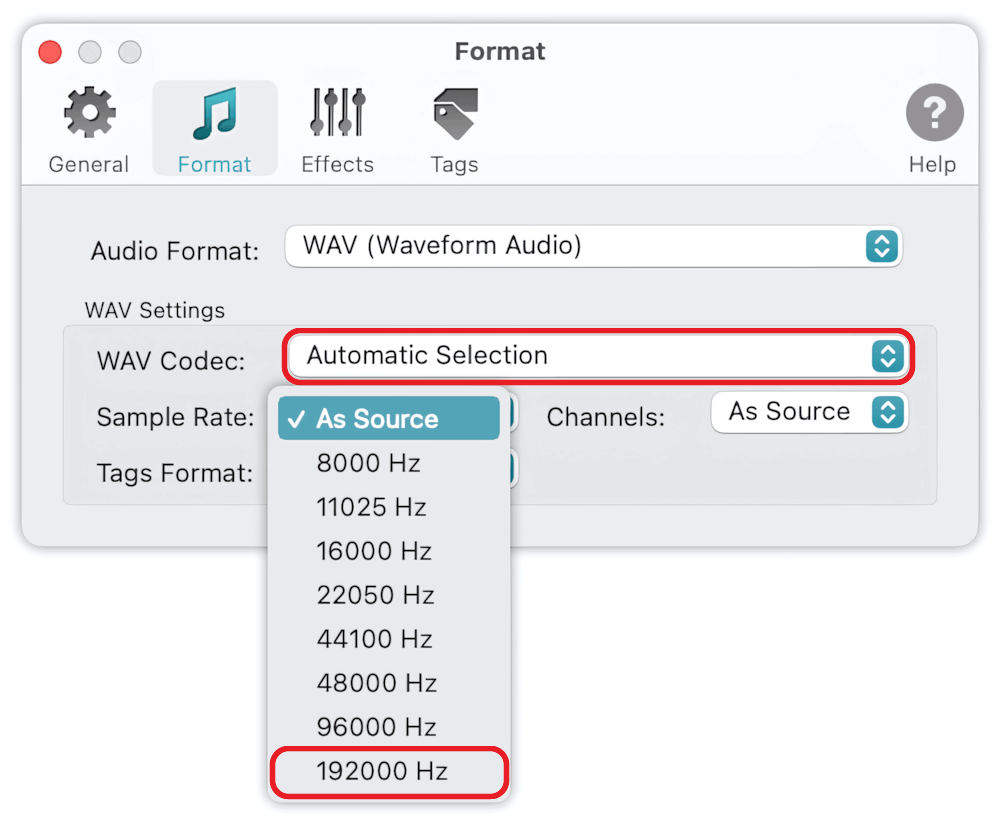
Read More: How to set up the WAV Sample Rate >>
Read More: What does WAV stand for? >>
Made for editing
WAV/PCM audio causes no delays while encoding or decoding, so sound engineers choose it for editing, applying effects and mixing, and software engineers for embedding audio into their applications. Drop a folder of MP3, M4A, FLAC, WMA, AIFF and MP4 files into To WAV Converter, and every one of them comes out as WAV, ready for your audio editor. It can encode unlimited files and folders in one click and supports multiple conversions simultaneously.
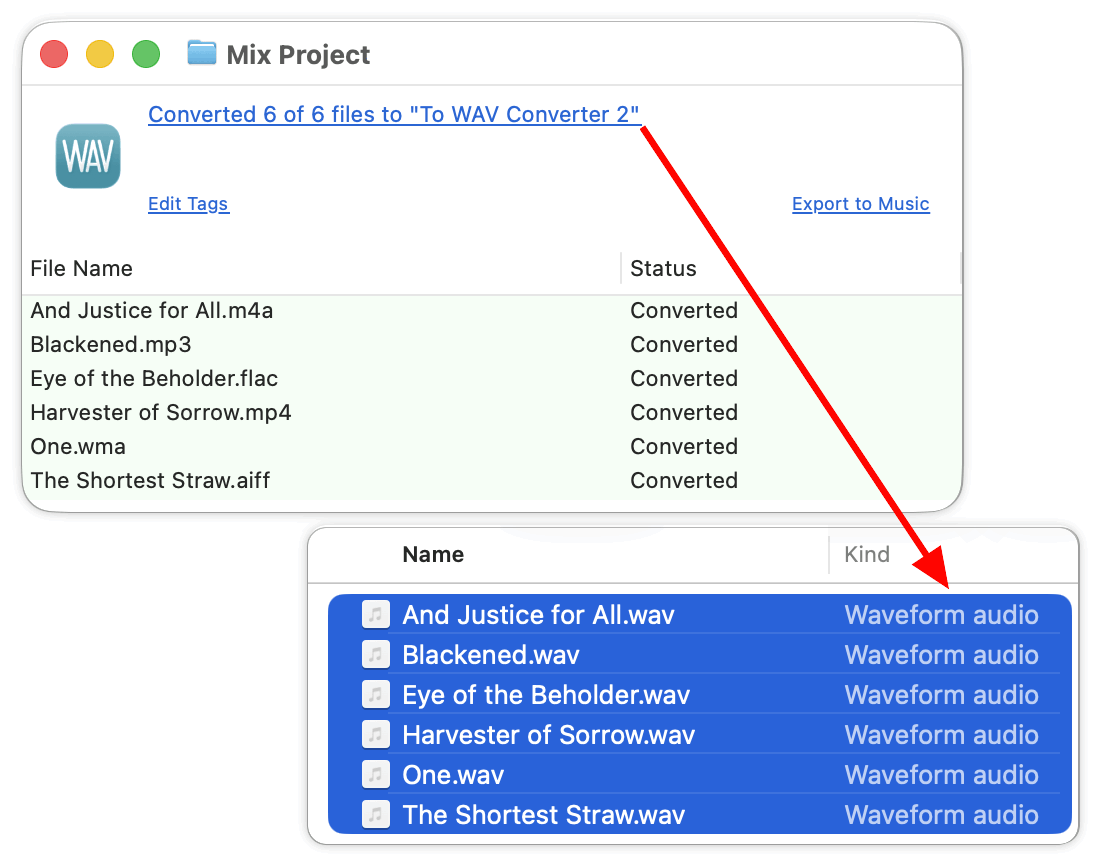
Read More: How to convert to WAV - Getting Started >>
Read More: Input Formats >>
Tags and artworks
To WAV Converter transfers all tags from source files into the ID3v2.4 and Info tags of WAV files, so an archive of WAV files keeps its song details. Enable 'Load missing tags and artworks from network' in Preferences / Tags to find song details and album covers in online databases, such as MusicBrainz, AcoustID, and CoverArt.
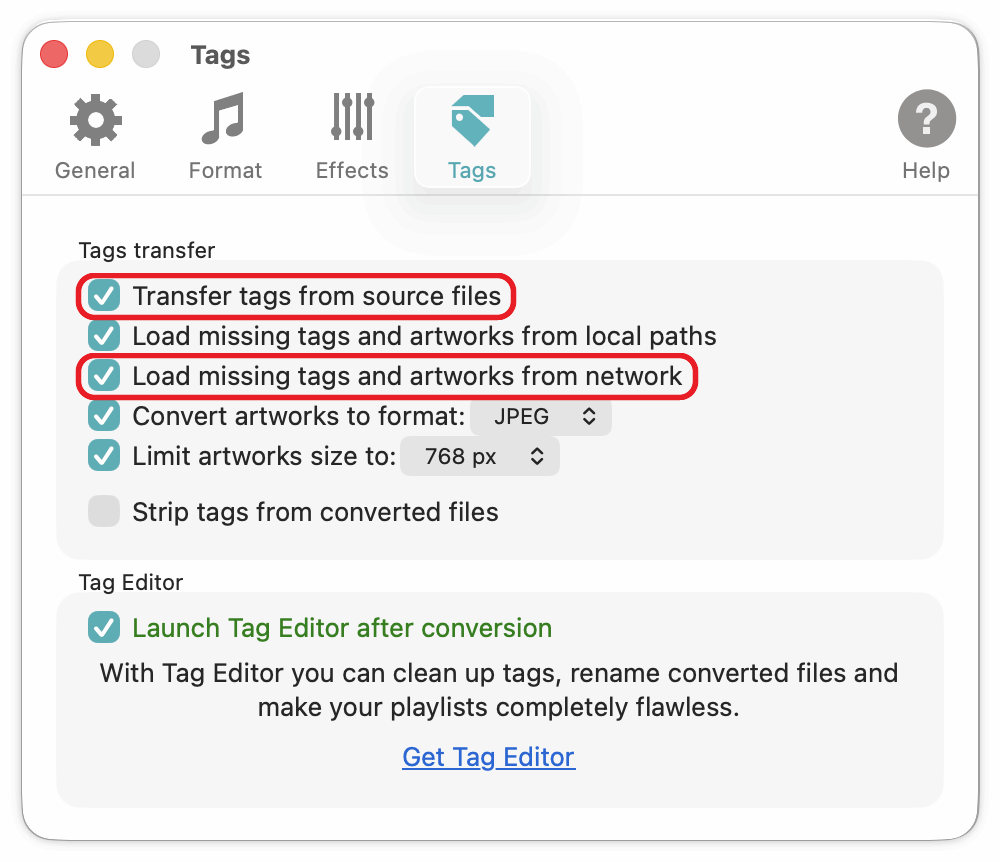
Read More: Preferences / Tags >>
Small voice files
WAV files usually contain uncompressed PCM audio, but the WAV format also supports lossy audio codecs. G.711, ADPCM and GSM 6.10 give good compression and satisfactory quality for voice audio.
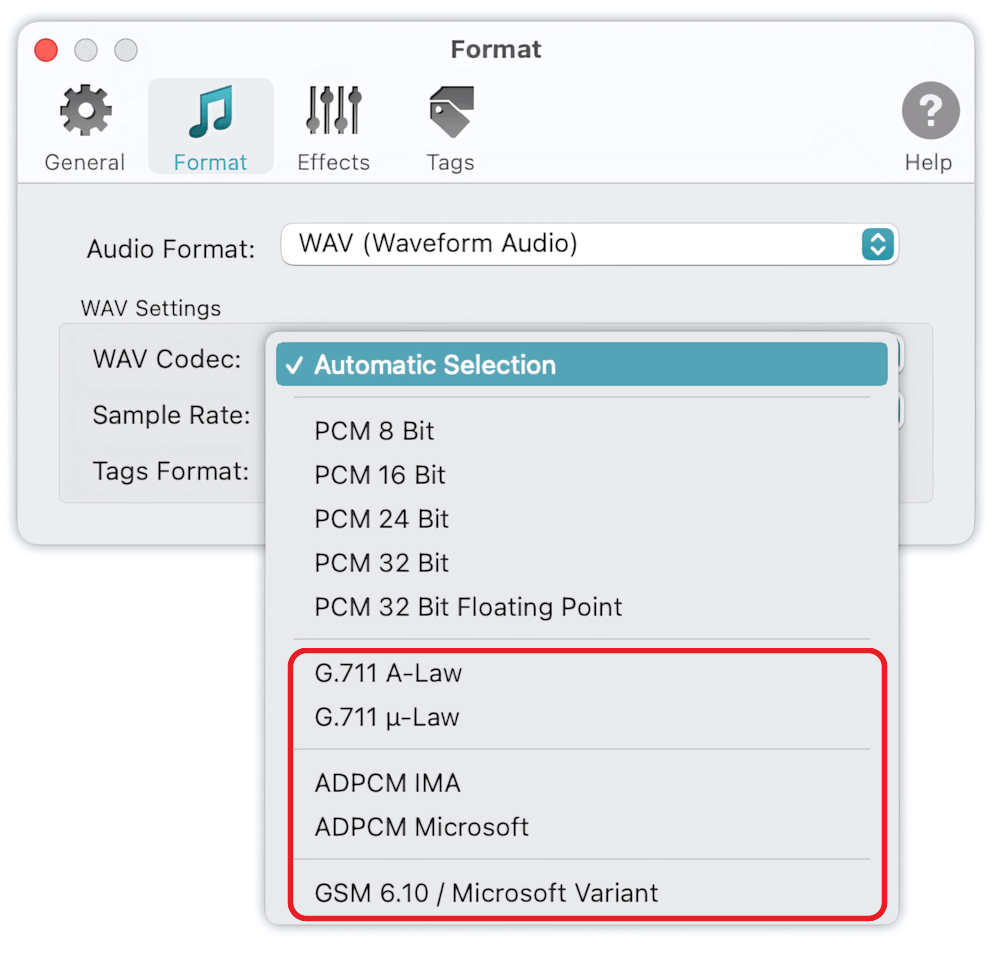
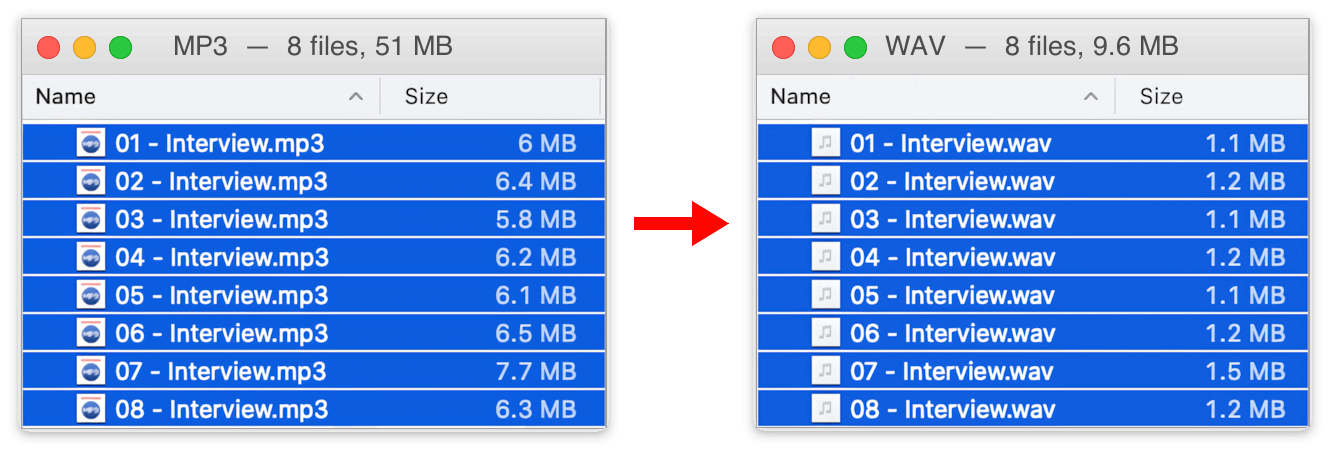
With speech settings, eight interview MP3s of 51 MB became WAV files of 9.6 MB, about five times smaller.
Read More: How to convert voice MP3 to WAV >>
Read More: How to set up the output WAV codec >>
Read More: Input Formats - list of supported WAV Codecs >>
To WAV Converter is free to download. Upgrading to Premium unlocks Batch Processing, Metadata Downloader, and Audio Effects.